
Last updated: October 2026 · By Kelly Noble Mirabella, Fractional Social Media Director and Founder of Stellar Media Marketing (Aurora, CO)
Quick answer: Connect an Instagram professional account to your Facebook Page, then pick a tool: Meta Business Suite's built-in inbox automations for simple FAQs, or a platform like ManyChat for keyword triggers and comment-to-DM. Map your top 10 questions, add qualification questions and a human handoff, respect Meta's 24-hour messaging window, then test and review weekly.
I co-wrote AI Chatbots for Dummies (Wiley), and I build Facebook and Instagram DM automations for my clients. Here's the exact order I follow, and where most DIY setups go wrong.
What are the steps to set up a Facebook and Instagram DM chatbot?
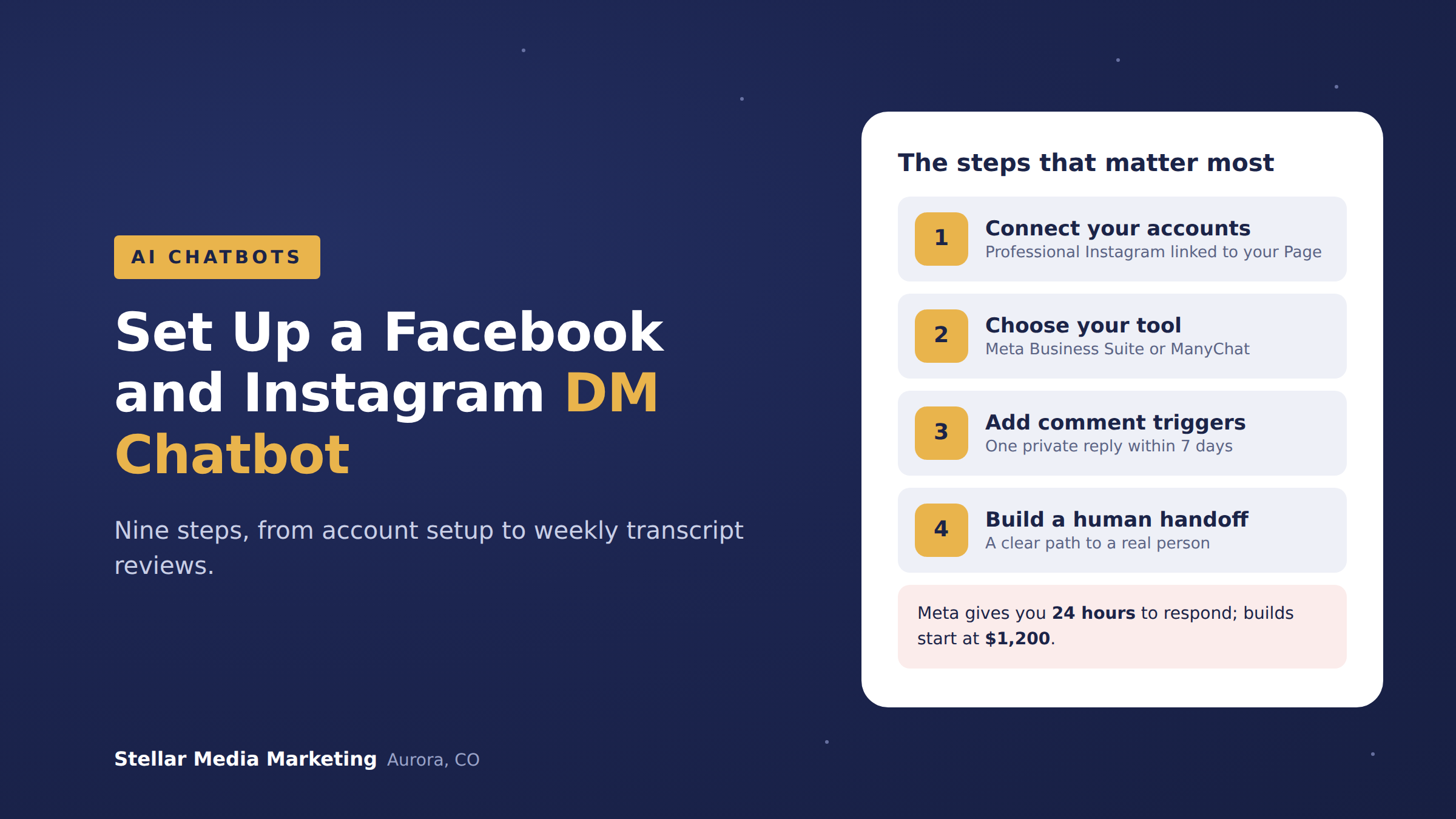
There are nine steps, and the order matters more than the tool.
- Get the accounts right. Instagram professional account, connected to your Facebook Page.
- Choose your tool. Meta's built-in automations or a third-party platform like ManyChat.
- Map your top questions. Pull the 10 questions you answer every week.
- Set keyword triggers. Including comment-to-DM on posts and reels.
- Write qualification questions. Three or four, max.
- Build the human handoff. A clear path to a real person.
- Plan around the 24-hour window. Meta limits when you can message people.
- Test every path. From a personal account, on a phone.
- Review weekly. Read the transcripts and fix what broke.
What do you need before you build anything?
You need an Instagram professional account (business or creator) connected to your Facebook Page, plus admin access to both in Meta Business Suite.
Meta's Instagram Platform documentation states that messaging tools require an Instagram professional account, and that when a tool connects through Facebook Login for Business, the Instagram account "must be connected to a Facebook Page." Meta's documentation for comment-to-DM replies also lists a Facebook Page linked to the Instagram account as a requirement. So link them first.
Should you use Meta Business Suite or a tool like ManyChat?
Use Meta's built-in automations if you only need to answer a handful of common questions, and use a third-party platform if you want comment triggers, branching conversations, or lead capture. Here's how they compare:
- Meta Business Suite (built in): free, lives in the same inbox you already use. Meta's help center covers it under Inbox Automations. Good for basic automated replies to common questions. Limited branching and qualification logic.
- ManyChat (third party): ManyChat's pricing page lists a free plan capped at 25 active contacts and 4 active automations, with Pro starting at $29 a month for 2,500 active contacts. Good for keyword triggers, comment-to-DM, tags, and sending leads to a CRM.
- A done-for-you build: someone builds it on one of the above, trained on your real answers and connected to your booking or CRM. More on cost below.
One more native feature worth knowing: Instagram "Ice Breakers." Meta's developer docs describe them as a list of frequently asked questions a person can tap to start a conversation, with a maximum of 4 questions.
How do you decide what the chatbot should say?
Start with the questions people already ask you, not the ones you wish they asked.
Scroll back through 60 to 90 days of DMs and comments and tally the repeats. For most local businesses, the top 10 fall into the same buckets: price, availability, service area, hours, how to book, and "do you do X?" Write one short, specific answer for each. If an answer changes often (pricing, openings), send people to a page you update instead of hard-coding it into the bot.
Then add three or four qualification questions. For a home service company that might be:
- What service are you interested in?
- What's your ZIP code or neighborhood?
- When are you hoping to get started?
- What's the best phone number or email to reach you?
Stop there. Every extra question loses people.
How do comment-to-DM keyword triggers work?
A comment-to-DM trigger sends an automatic private message to anyone who comments a specific keyword, like "PRICE" or "GUIDE," on your post or reel.
Meta calls these private replies, and the rules are tight. According to Meta's private replies documentation:
- One message per comment. Only one message can be sent to the person who commented.
- Seven days to send it. The reply must go out within 7 days of the comment on a post, ads post, or reel.
- They have to answer. Only when the person responds can you continue the conversation, inside the 24-hour window.
So make that first message count. Deliver what you promised in the caption, then ask one easy question to get a reply.
When should the chatbot hand off to a human?
Hand off the moment someone asks for a person, gets frustrated, asks something the bot wasn't trained on, or is ready to buy.
Tell the customer what happens next ("Thanks! Kelly will reply by 10 a.m. tomorrow"), then notify a real person by email, text, or a CRM task. A bot that loops people in circles does more damage than no bot. On Facebook, Meta's handover protocol is the mechanism that passes control of a conversation between an automation and people working in the Page inbox.
"A DM chatbot's job is to answer the easy questions instantly and get a real lead to a real person faster. If it's trapping people in a loop or pretending to be you, it's costing you customers, not saving you time." Kelly Noble Mirabella, Fractional Social Media Director and Founder, Stellar Media Marketing
What is Meta's 24-hour messaging window?
Meta's 24-hour window means a business can freely message someone for up to 24 hours after that person last messaged it, and not after, except in limited cases.
Meta's Messenger Platform policy says businesses have up to 24 hours to respond, and messages in that window may include promotional content. Meta's Instagram messaging documentation sets the same 24 hours for Instagram DMs. The main exception is Meta's Human Agent feature, which lets a human agent respond within 7 days of a person's message.
What this means in practice: your bot can't chase cold leads a week later with a sales pitch. Collect an email or phone number inside the window, and follow up there.
How do you test and review the chatbot after launch?
Test every path from a personal account before launch, then read the transcripts every week for the first month.
- Test as a stranger. Meta's Instagram docs note that new conversations from people who don't follow you land in the Requests folder, so test from an account that doesn't follow you.
- Try to break it. Typos, slang, two questions in one message, "can I talk to a person?"
- Check every answer for accuracy. You own what your bot says. In Moffatt v. Air Canada (February 14, 2024), a British Columbia tribunal held the airline liable after its chatbot gave wrong bereavement fare information, as the American Bar Association reported.
Want someone to build your DM chatbot for you?
If you'd rather skip the setup, I build Facebook and Instagram DM automations and website chatbots for small businesses. My builds start at $1,200 for a basic automation chatbot and go up to about $5,000 for larger projects that need API calls and integrations, depending on scope. I've spent 18 years in social media marketing, so the bot sounds like your business, not a robot.
See the AI chat automations section on my services page, or book a discovery call and we'll map your top questions together on a video call.
Related reading: How Much Does an AI Chatbot Cost for a Small Business in 2026? and AI Chatbot vs. Live Chat vs. Contact Form.
Frequently asked questions
Can I set up a DM chatbot for free?
Yes. Meta Business Suite's inbox automations are free, and ManyChat's free plan covers up to 25 active contacts and 4 active automations. Free works for testing, but most businesses outgrow it quickly.
Do I need a business account on Instagram?
You need a professional account, which Meta defines as either business or creator. A personal account can't use messaging automation tools.
Will a chatbot make my business sound robotic?
Only if you write it that way. Use your own words from real DM replies, keep messages short, and tell people when they're talking to an automation.
Can one chatbot handle both Facebook and Instagram?
Yes. ManyChat, for example, connects both Instagram and Facebook Messenger, so you can manage one set of flows. Answers may need small tweaks for each audience.
Can my chatbot message people who commented weeks ago?
No. Meta's private replies rules allow one message within 7 days of the comment, and the conversation only continues if the person replies.
How long does it take to set up?
A basic FAQ setup in Meta Business Suite can take an afternoon. A build with comment triggers, qualification, and CRM handoff takes longer.
Changelog: October 2026, first published.