

Last updated: November 2026 · By Kelly Noble Mirabella, Fractional Social Media Director and Founder of Stellar Media Marketing (Aurora, CO)
How do you set up a Google Business Profile that actually gets calls?
Claim and verify your profile at business.google.com, choose the most specific primary category (Whitespark's 2026 survey of 47 local SEO experts ranks it the #1 local ranking factor out of 187), match your name, address and phone everywhere, add real photos and every service, then collect and reply to reviews and post weekly.
That's the short version. Below is the full walkthrough I give clients, plus the one mistake that gets profiles suspended overnight.
Want the one-page version? Download the free Google Business Profile checklist and work through it with your profile open.
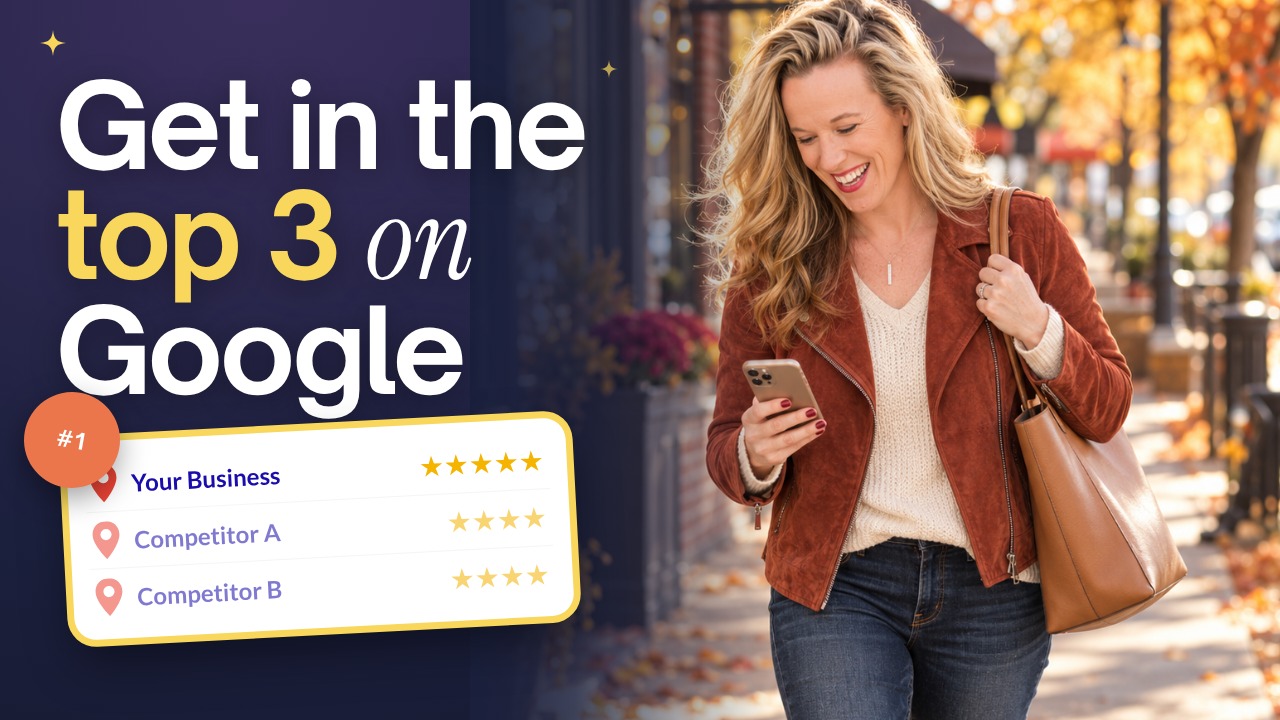
Why does the map 3-pack matter so much for local businesses?
The map 3-pack is the set of three businesses Google shows on a map above the regular results, and it's where most local calls come from. Studies compiled from seoClarity and BrightLocal data put roughly 44% of local search clicks on those three listings, and Backlinko's research lands at 42%.
The gap between being in the top three and being just below it is huge. SOCi analyzed 12.9 billion data points and found that businesses in the 3-pack get 126% more traffic and 93% more calls, website clicks and direction requests than businesses ranking fourth through tenth.
Here's what drives me nuts about it. In my experience, the businesses that miss the 3-pack usually aren't worse at what they do.
"Most of the businesses that don't show up aren't worse. Their Google Business Profile is just half finished, set up wrong, or nobody has touched it since 2019." Kelly Noble Mirabella, Founder, Stellar Media Marketing
The Google Business Profile setup checklist, step by step
Setting up a profile that ranks takes nine steps, and most businesses skip at least three of them. Work through them in this order.
- Claim it. Go to business.google.com, search your business name, and claim the existing profile or create a new one.
- Verify it. Google often asks for a short video showing your signage, shop, truck or tools. An unverified profile basically doesn't count.
- Pick your primary category. Choose the most specific one that fits: "Pediatric dentist," not just "Dentist."
- Add a few secondary categories. Only for services you really offer. Whitespark ranks additional categories #8 among 2026 local ranking factors, but stuffing in ten of them confuses Google about who you are.
- Match your name, address and phone (NAP) everywhere. Your website, Facebook, Yelp and every directory should show identical details.
- Set storefront or service area correctly. Details below.
- Fill in your hours, including holiday hours.
- Write your description. You get 750 characters, and BrightLocal notes only about the first 250 show before a customer clicks "more." Say what you do, who you help, and where.
- Add photos, services and products, then keep going with reviews and weekly posts.
Should you show your address or set a service area?
Show your address only if customers come to you, like a cafe or a dentist. If you go to customers, like a roofer or a mobile detailer, Google's guidelines require you to hide your address and set a service area instead.
- Storefront (cafe, dentist, retail shop): show your address. A service area is optional.
- Service area business (roofer, plumber, mobile detailer): hide your address and set up to 20 service areas.
- Hybrid (auto shop that also does mobile repair): show your address and set service areas.
According to PPC Land's coverage of Google's June 24, 2025 guideline update, you can list up to 20 service areas, they should stay within about 2 hours of driving time from your base, and whole states or countries are no longer allowed.
This one is personal for me. I run Stellar Media Marketing from my home in Aurora, Colorado, and I'm not putting my home address on Google. My profile is set up as a service area business, which is exactly what Google wants from businesses like mine.
What I found when I audited my own profile
Even marketers miss things. When I ran a quick consistency audit on my own business, I found an old phone number on my Facebook page that was years out of date and no longer in service. Google compares your details across the web, and when they don't match, it trusts your listing less.
Fixing that took two minutes. Finding it took actually looking.
The rest of my profile shows what consistency gets you: as of November 2026, Stellar Media Marketing has a 5.0 rating across 23 Google reviews, every one of which has a reply. That didn't happen by accident. It came from asking at the right moment and responding every time.
Which photos and services get people to pick you?
Real photos of your team, your storefront and your work beat stock photos every time, because people can tell the difference and stock photos don't build trust. Add the outside of your building so people recognize it when they pull up, the inside, and before and afters if you have them.
Skip the geotagging hack. Whitespark has called geotagging photos a local SEO myth, because Google strips the location data when you upload, and testing has shown it doesn't help rankings. Just take good, real photos and add new ones regularly.
Then list every service, one at a time, in the words your customers use. A plumber shouldn't just write "plumbing." Write "water heater installation," "tankless water heater repair," "drain cleaning" and "emergency leak repair." Each of those is a search someone is typing into Google, and each listed service gives Google another reason to match you.
How do you get more Google reviews without breaking the rules?
Make it easy and ask at the right moment. In your profile, use the "Ask for reviews" option to copy your short review link, then text it to customers right after a great job, add it to your invoices, and put it in your email signature.
Ratings drive clicks. BrightLocal found that moving from a 3-star to a 5-star rating gets a business about 25% more clicks from the local pack, and Whitespark's 2026 survey shows review signals grew from 16% to 20% of local pack ranking influence since 2023.
Two rules matter here:
- Never pay for reviews or offer a discount for them. It's against Google's rules and can cost you the reviews you earned honestly.
- Reply to every review, the good ones and, calmly, the bad ones.
"Your reply isn't for the angry customer. It's for the next hundred people reading your reviews." Kelly Noble Mirabella
What happened to Google Business Profile Q&A?
Google is phasing out the Questions and Answers section and replacing it with an AI-powered "Ask" feature in Google Maps. Search Engine Roundtable reported that Google confirmed the change on December 3, 2025, following Google's earlier shutdown of Business Profile chat on July 31, 2024.
When someone asks something like "Do they do weekend appointments?", Google's AI answers using your profile, your reviews and your website. Thin information means the AI guesses, or sends people to someone else.
So put your FAQs on your website and blog, and work those answers into your service descriptions. This is the part of local search that's changing fastest right now, and it's a big part of what I help clients with.
How often should you update your Google Business Profile?
Post an update about once a week and do a 15-minute checkup once a month. A profile you set up once and forget starts to look closed, to customers and to Google.
- Weekly (about 5 minutes): post an update. A promo, a finished project, a before and after, or a team photo.
- Monthly (about 15 minutes): check your hours, reply to new reviews, and add or edit services.
- Before holidays (2 minutes): set your special hours.
What gets a Google Business Profile suspended?
Stuffing keywords into your business name is the fastest way to get suspended. If your business is Mike's Plumbing, your name on Google is "Mike's Plumbing," not "Mike's Plumbing Best Plumber Denver Near Me."
I get why people do it. It can bump you up for a minute. But it breaks Google's guidelines, competitors report it, and Google suspends profiles for it. Then you're not just invisible, you're gone.
The same goes for fake addresses and virtual offices you don't really work from. Don't do it.
Frequently asked questions
How long does it take to verify a Google Business Profile?
Timing varies by the verification method Google assigns you. Video verification usually means recording a short clip of your business and waiting for Google to review it, and review times vary. Don't skip it, because an unverified profile won't show up the way you need it to.
Can I have a Google Business Profile if I work from home?
Yes. Set it up as a service area business, hide your address, and list the cities or zip codes you serve (up to 20). That's how my own business is set up.
What's the best primary category for my business?
The most specific one that describes what you actually do. Look up the business ranking #1 in your area for your main service and see which category they use. That's a strong clue. If you're stuck, leave a comment on the video with your business type and I'll help.
Do Google posts help my ranking?
Posts keep your profile active, give customers fresh reasons to choose you, and show Google you're open for business. Aim for about one a week.
Should I respond to negative reviews?
Yes, every time, and calmly. Your reply shows the next hundred readers how you treat people when something goes wrong, which often matters more than the review itself.
Does geotagging my photos help me rank?
No. Google strips location data from photos when you upload them, so geotagging doesn't carry through. Focus on real, recent photos instead.
Is Google Business Profile Q&A going away?
Yes. Google is replacing it with an AI "Ask" feature in Google Maps that answers questions from your profile, reviews and website. The more complete your information is, the better that AI describes you.
Want someone to set this up for you?
Grab the free one-page Google Business Profile checklist and work through it with your profile open. If you'd rather have it done for you, that's what I do. Book a free video call with me or see how I help small and mid-sized businesses.
Sources
- Whitespark: 2026 Local Search Ranking Factors
- Whitespark: Geotagging Photos Is a Local SEO Myth
- Local pack click data (seoClarity, BrightLocal, Backlinko, SOCi)
- BrightLocal: Review Search Click-Through Study
- BrightLocal: Google Business Profile Description
- PPC Land: Google Bans Countries and States From Service Areas
- Search Engine Roundtable: Google Removing Q&A for AI Ask Button
- PPC Land: Google Quietly Kills Q&A
Changelog: Published November 2026.