

Last updated: October 2026 · By Kelly Noble Mirabella, Fractional Social Media Director and Founder of Stellar Media Marketing (Aurora, CO)
Quick answer: A small business website chatbot should answer about 20 questions well: hours, location, service area, services, price ranges, booking, policies, reviews, and how to reach a human. Pull the real questions from your inbox, DMs, call logs, and Google reviews, and have the bot hand off anything medical, legal, or quote-specific.
I co-wrote AI Chatbots for Dummies, and every chatbot I build for a client starts with this checklist.
Why start with a question list instead of a chatbot tool?
Because a chatbot is only as good as the answers you load into it, and most businesses skip that step.
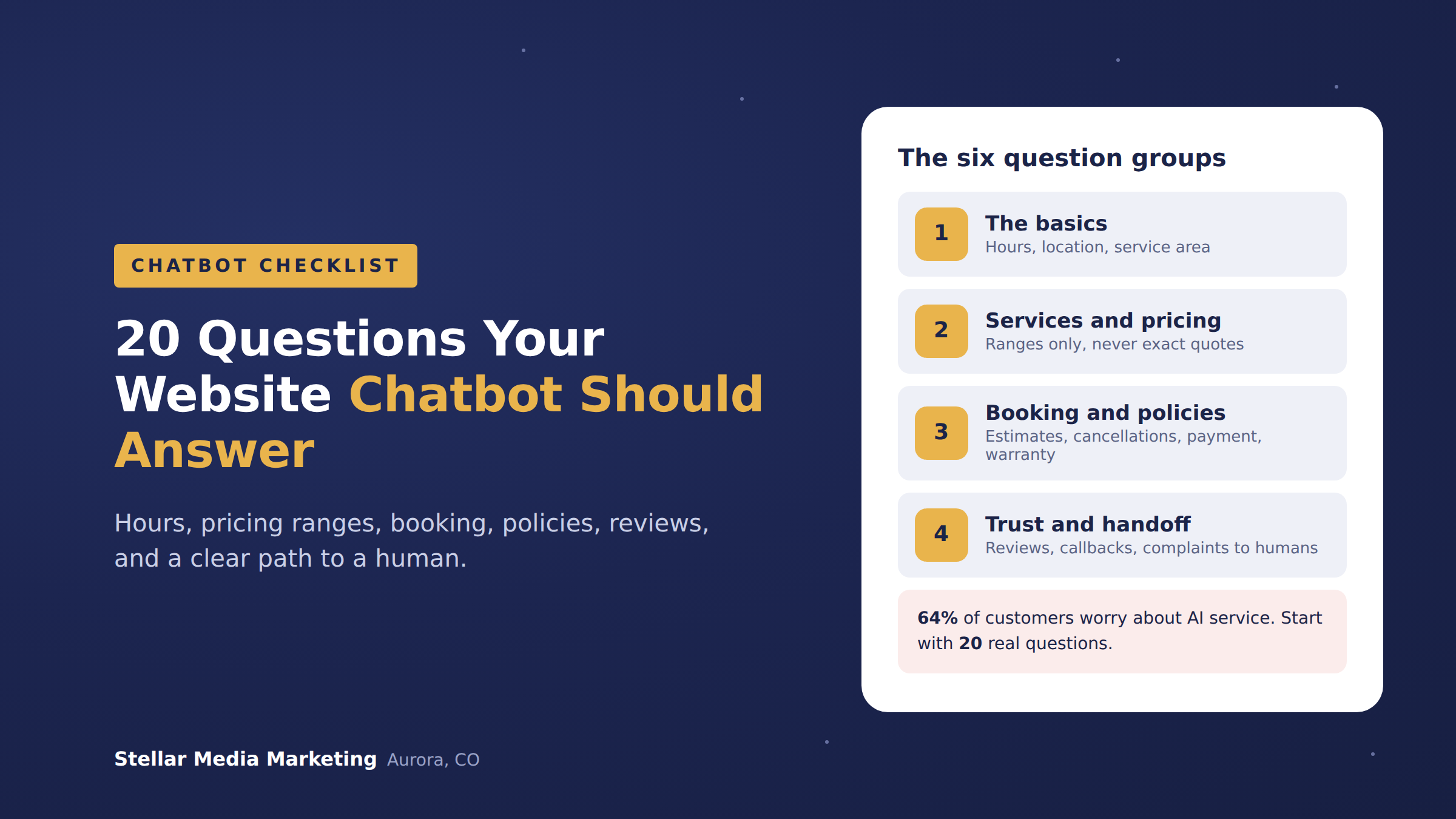
People are skeptical going in. A Gartner survey of 5,728 customers, released July 9, 2024, found 64% would prefer companies didn't use AI for customer service. Their top worries were not being able to reach a human and getting wrong answers. A tight question list fixes both: the bot answers what it knows and hands off the rest.
Speed matters too. HubSpot's State of Customer Service data reports 67% of consumers expect their issue resolved within 3 hours. A bot that answers "are you open Saturday?" at 9 p.m. meets that bar instantly.
What are the 20 questions every small business chatbot should answer?
These are the 20 questions I load first, in six groups, with a note on how the bot should respond.
The basics (questions 1 to 4)
- What are your hours? List regular hours plus holiday closures.
- Where are you located, and where do I park? Give the address, a landmark, and parking or entrance notes.
- Do you serve my area? List cities or ZIP codes. If the visitor is outside the list, collect their address and hand off instead of saying no.
- How do I reach a real person? Phone, email, and response times. Never bury this.
Services and pricing ranges (questions 5 to 8)
- What services do you offer? Short list, linked to each service page.
- Do you do [specific job]? Answer yes or no from an approved list. Anything not on the list goes to a human.
- How much does it usually cost? Ranges only, with what moves the price. Never an exact quote.
- Do you offer financing, packages, or discounts? Only what is currently active, with an end date.
Booking and availability (questions 9 to 12)
- How do I book or get an estimate? Link the booking page or collect name, phone, and job details.
- How soon can you get to me? Give a typical lead time, then hand off for a specific date.
- What happens at the first appointment? Length, who shows up, and what to have ready.
- Do you take emergency or same-day jobs? Yes or no, plus the after-hours number if yes.
Policies (questions 13 to 16)
- What is your cancellation or rescheduling policy? Quote the written policy word for word.
- What forms of payment do you take, and when is it due? Deposits, payment methods, and timing.
- Do you offer a warranty or guarantee? Summarize and link the full terms.
- Are you licensed and insured? Yes, plus license numbers where they apply.
Trust and reviews (questions 17 to 18)
- Can I see reviews or examples of your work? Link your Google reviews and a gallery or case study page.
- How long have you been in business, and who owns it? One or two sentences, with a name.
Handoff (questions 19 to 20)
- Can someone call me back? Collect name, phone, best time, and the question, then alert your team by text or email.
- I have a problem with a recent job. Who do I talk to? Apologize, collect details, and route straight to the owner. Never let a bot argue with an unhappy customer.
"Every business owner thinks their customers ask unique, complicated questions. Then we pull the inbox and it's the same 20, over and over. When the bot handles those at 9 p.m., the owner gets their evenings back and the complicated ones still reach a human." Kelly Noble Mirabella, Fractional Social Media Director and Founder, Stellar Media Marketing
Where do you find the questions your customers actually ask?
Your real questions are already sitting in five places.
- Your email inbox. Scan 90 days of emails and sort questions by topic.
- Facebook and Instagram DMs. First messages become your bot's starting buttons.
- Call logs and voicemail. Ask whoever answers the phone to tally questions for two weeks.
- Google reviews. Look for phrases like "wasn't sure if" or "didn't know whether." Those are the doubts people had before they hired you.
- Your Google Business Profile questions. Google retired the old Q&A section: PPC Land reports the Q&A API shut down November 3, 2025, with an AI "Ask" button in Google Maps taking its place. Any old questions you exported are still gold.
That change is another reason to do this work. Whitespark's analysis says Google's AI answers pull from your profile, your reviews, and your website content. The answer bank you build for your chatbot feeds Google's AI too.
One warning from my own audits: in my last 20 free social media audits for Colorado businesses, 18 had a stale Google Business Profile. If your hours and services are wrong on Google, they will be wrong in your chatbot. Fix the profile first.
What questions should a chatbot never answer?
A chatbot should never answer questions where a wrong answer costs someone money, health, or legal standing. Here is my hand-off list:
- Medical questions. "Is this rash serious?" "Can I take this with my meds?" Route to a licensed person.
- Legal or contract questions. "Am I covered?" "Can you break my lease?" Hand off.
- Exact quotes. Ranges are fine. A firm number without an inspection is a promise you'll be asked to keep.
- Refunds and exceptions to policy. The bot quotes the policy. A human approves exceptions.
- Complaints. Collect details and escalate. Every time.
This is not theoretical. In February 2024, a British Columbia tribunal held Air Canada liable after its website chatbot described a bereavement refund rule that did not exist. As the American Bar Association summarized, the company was responsible for all information on its website, "whether it came from a static page or a chatbot." I cover how to prevent that in Will an AI Chatbot Say the Wrong Thing to My Customers?.
How do you turn this checklist into a working chatbot?
Four steps, and test before it goes live.
- Write the answers. One to three sentences each, in your voice.
- Mark each question "answer" or "hand off." Decide the handoff route: text alert, email, or booking link.
- Load only approved answers. Don't point the bot at your whole website and hope.
- Test with 20 real messages. Use actual DMs, then read every transcript for 30 days.
Build cost depends on scope. My chatbot builds start at $1,200 for a basic automation chatbot and go up to about $5,000 for larger projects that need API calls and integrations, like pushing leads into a CRM. The full breakdown is in How Much Does an AI Chatbot Cost for a Small Business in 2026?
Want help building a chatbot that answers the right questions?
I build website chatbots and Facebook and Instagram DM automations for small businesses, starting from this exact checklist. See the AI chat automations section on my services page, or book a free discovery call and we'll go through your top 20 questions together on a video call.
Related reading: Does Your Small Business Website Need an AI Chatbot? and AI Chatbot vs. Live Chat vs. Contact Form.
Frequently asked questions
How many questions should a chatbot start with?
Start with 15 to 25 of your most common questions. A small answer bank is easier to keep accurate. Add more once you've read a month of transcripts.
Should my chatbot show prices?
Show ranges and explain what moves the price. Leave exact quotes to a person who has seen the job.
What should a chatbot say when it doesn't know the answer?
It should say so plainly and offer a handoff: "I don't want to guess on that. Can I get your number so the owner can call you?" A clear "I don't know" beats a confident wrong answer every time.
How often should I update my chatbot's answers?
Whenever hours, prices, services, or policies change, and at least quarterly. Tie it to the same day you update your Google Business Profile so the two never disagree.
Can one answer bank power my website bot and my Instagram DMs?
Yes. Build the answer bank once and use it for both the website chatbot and the Facebook and Instagram DM automation. DM wording runs shorter, but the facts stay identical.
Changelog: October 2026, first published.